
ProjectMakers Modular Weapon Assets - Interactive 3D Browser Demo
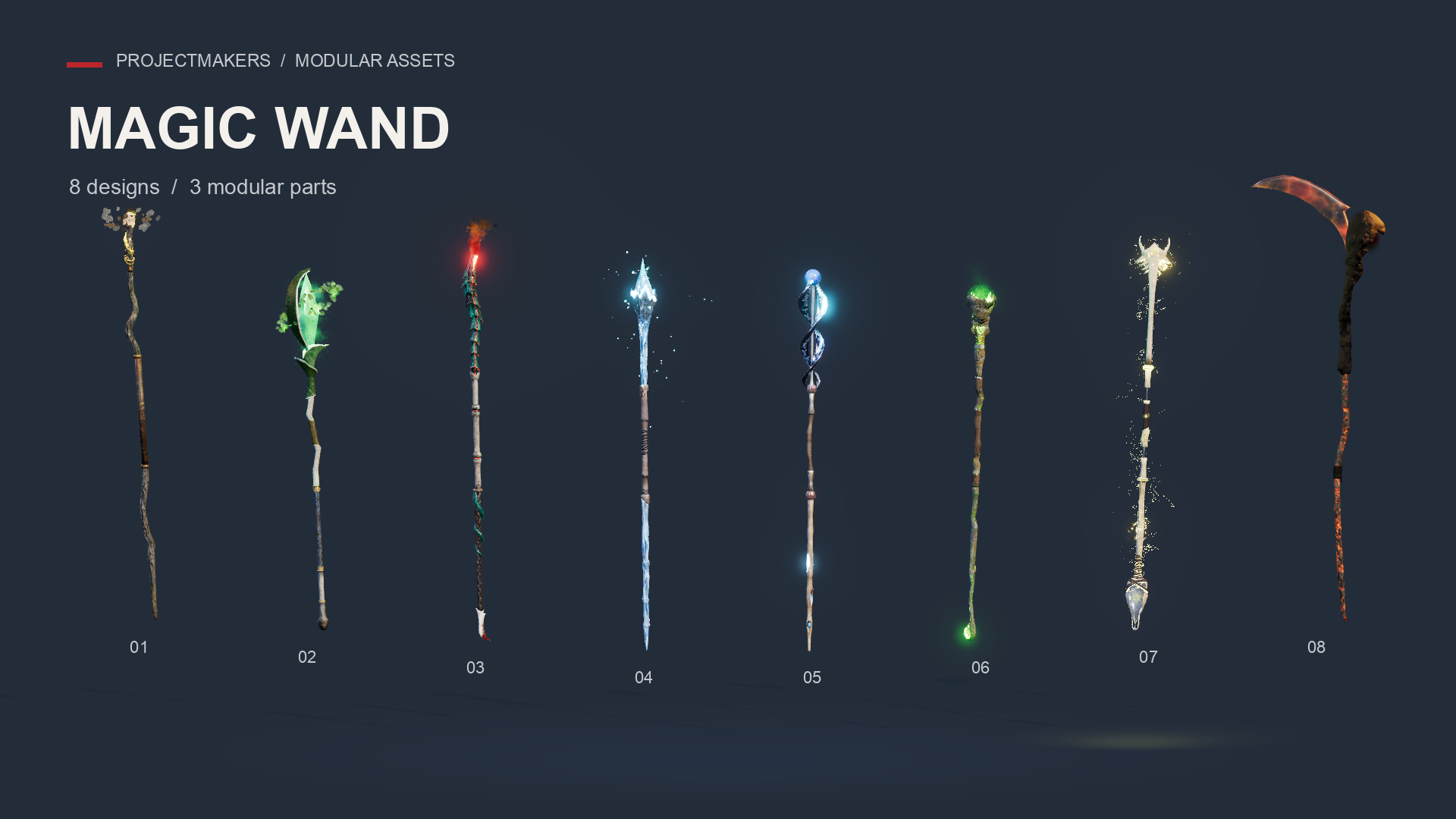
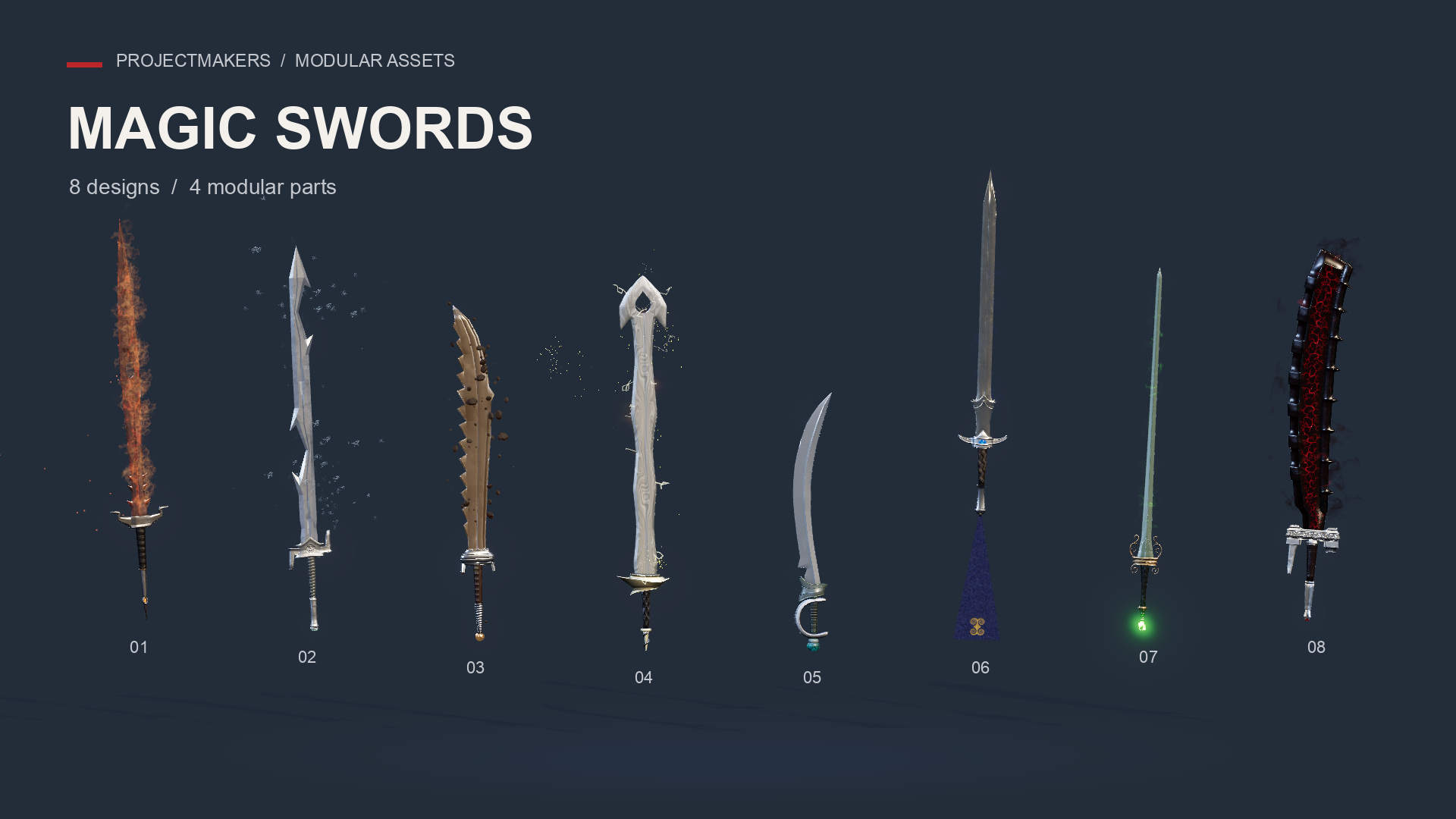
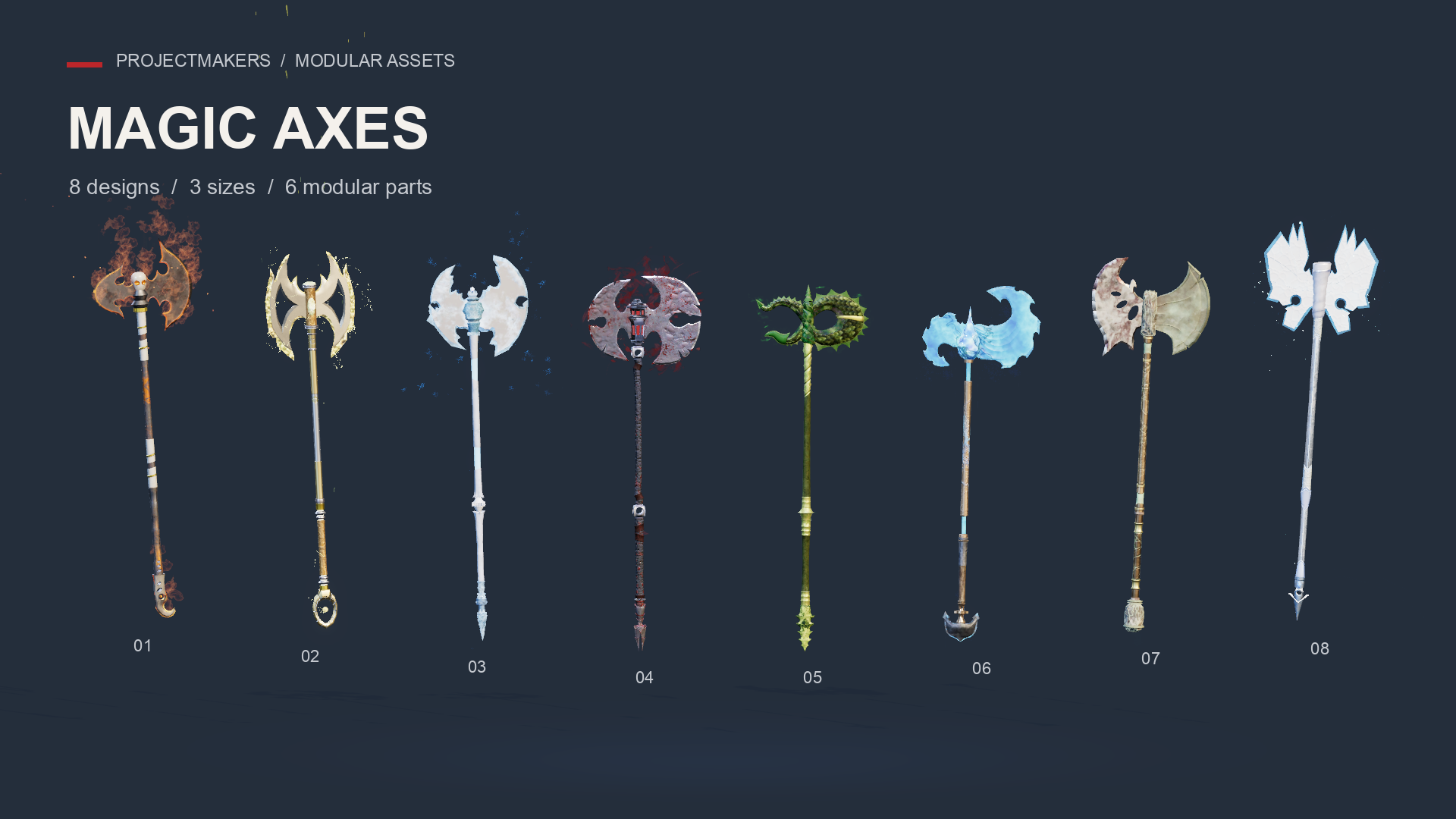
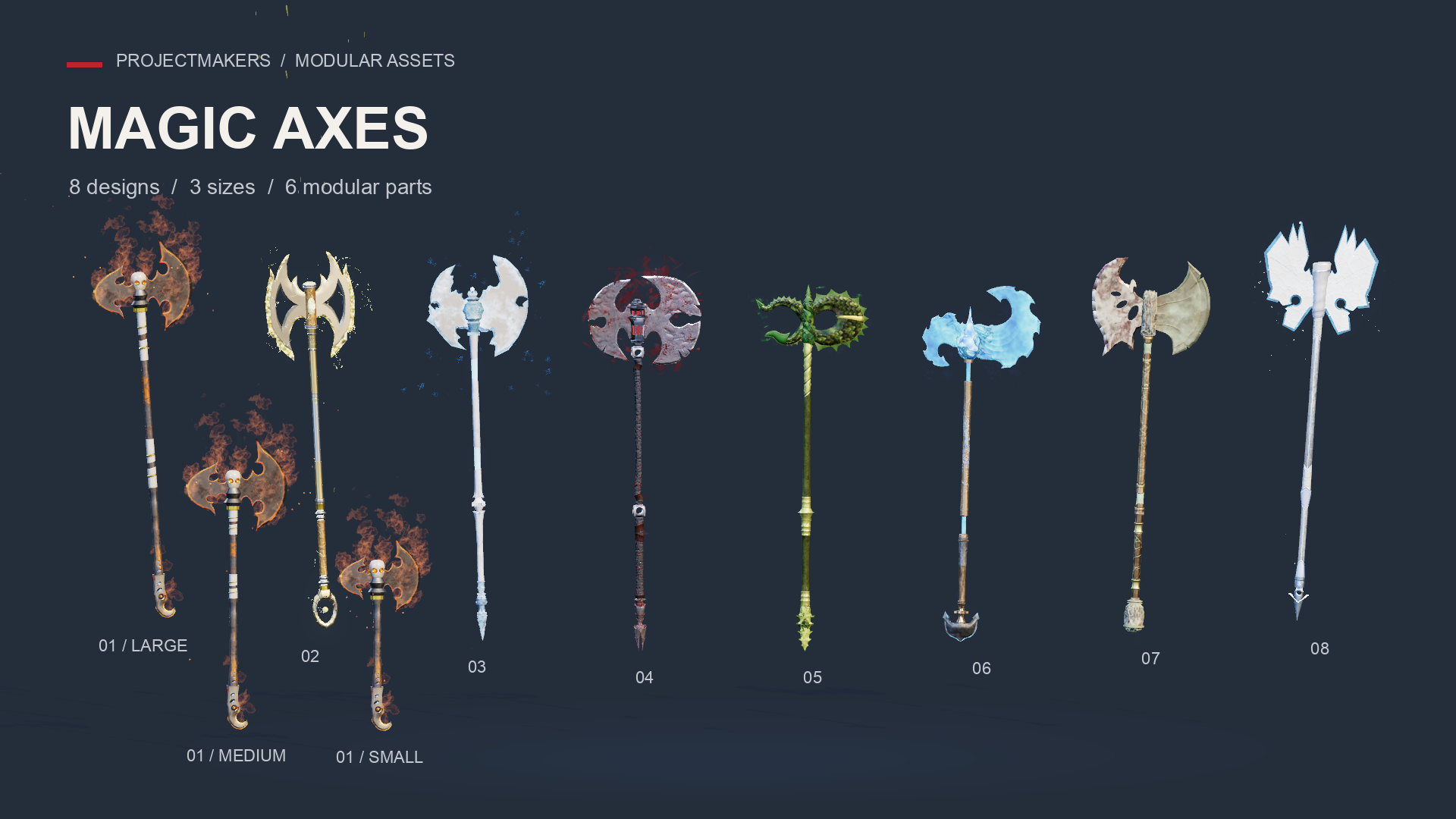
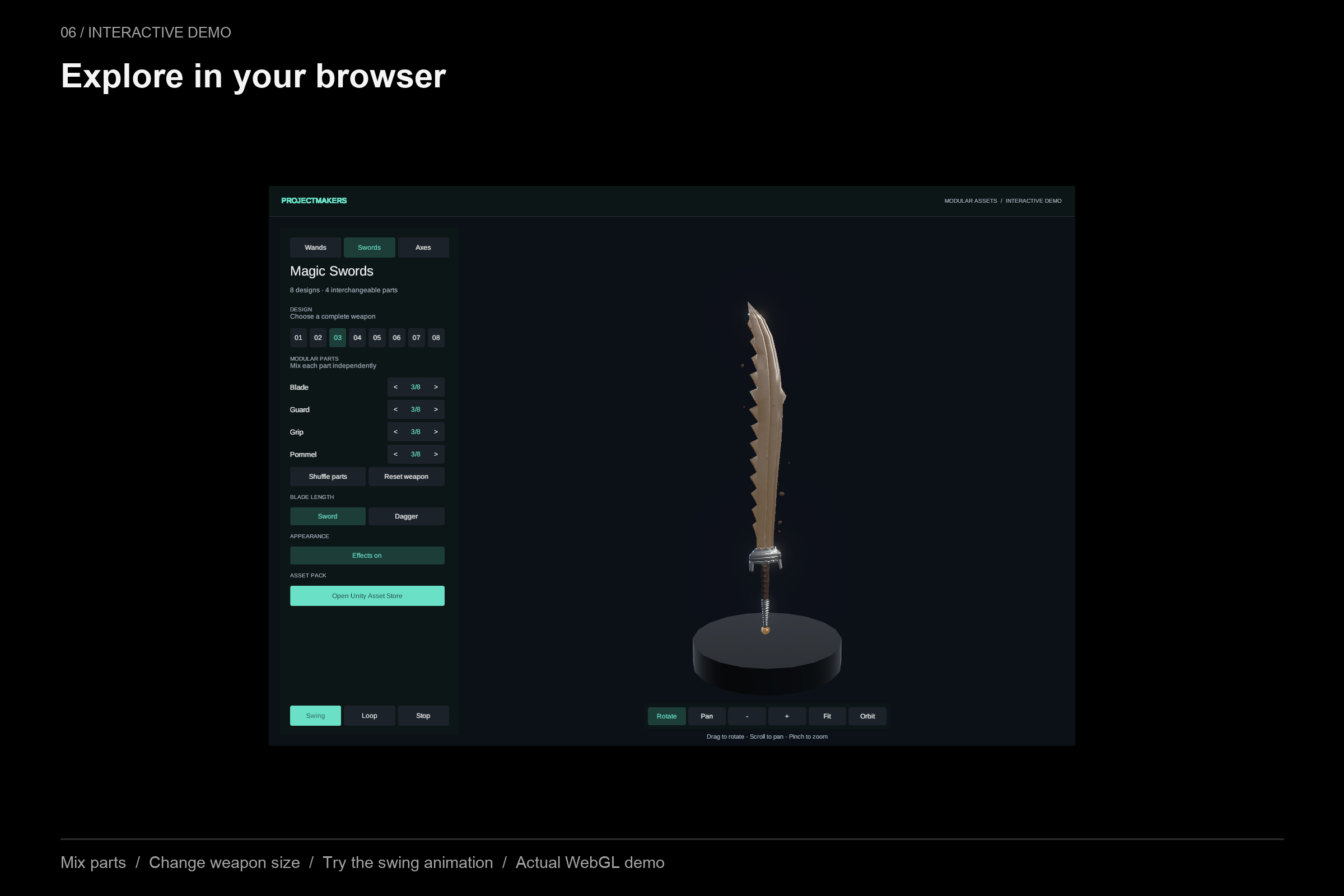
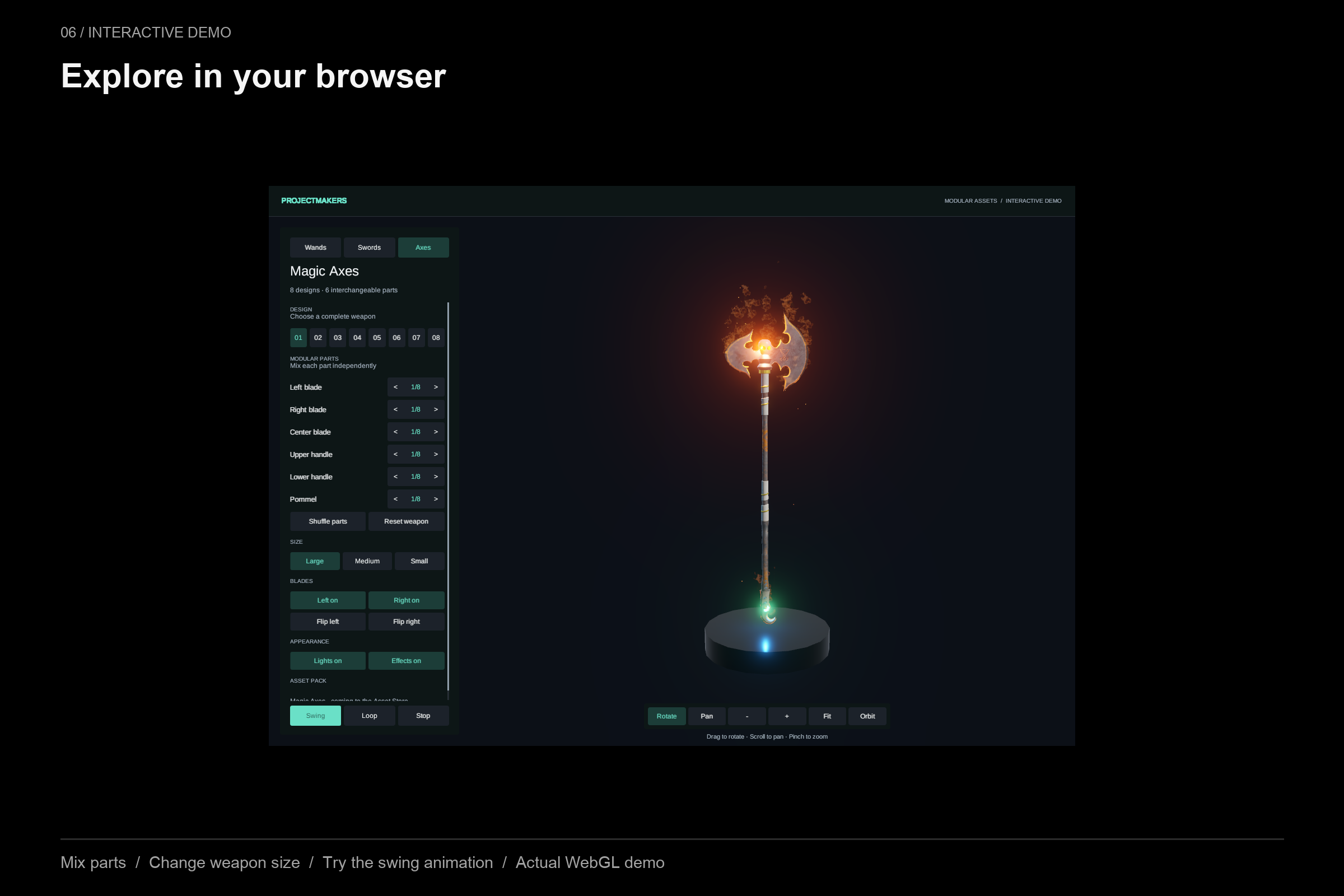
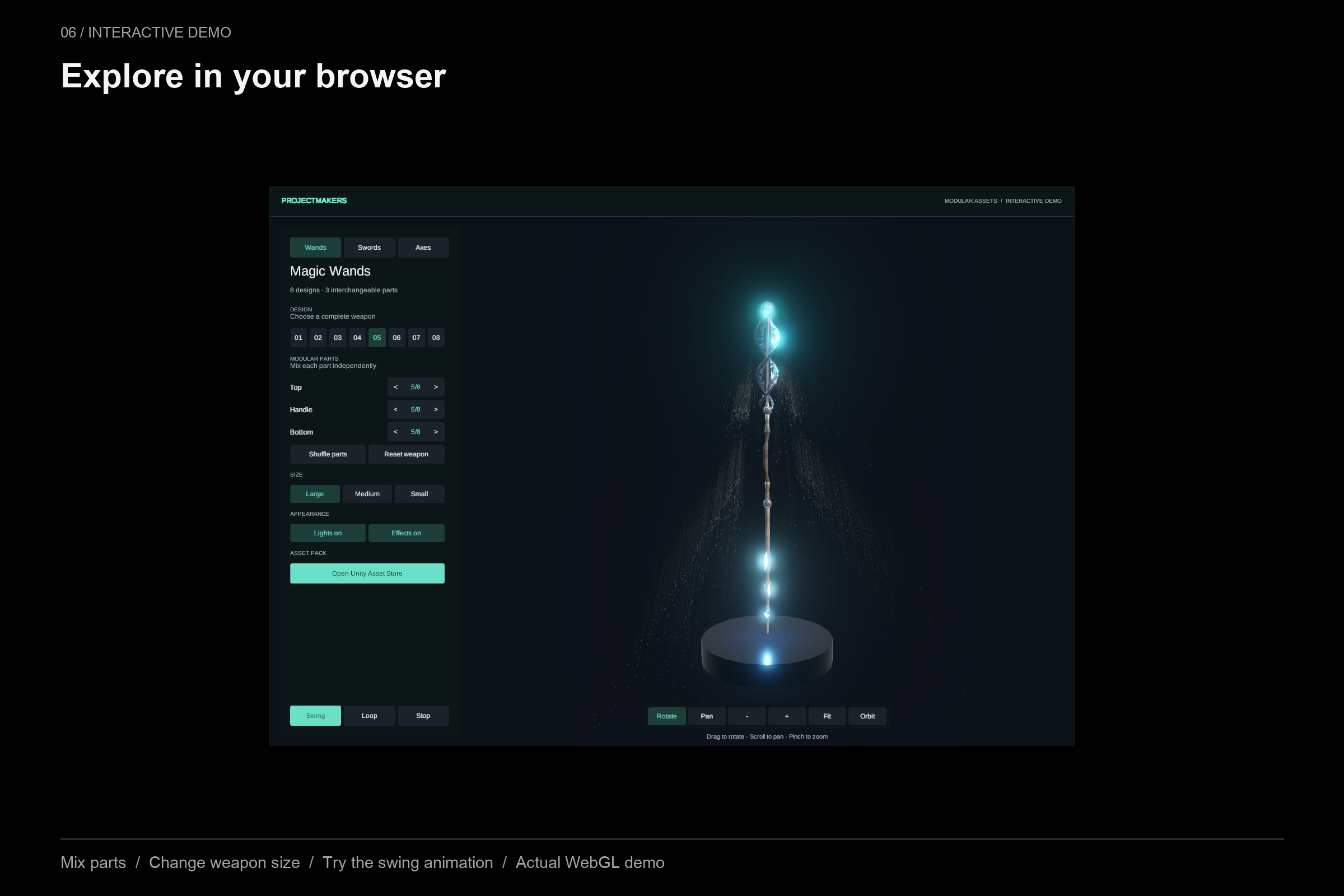
This interactive WebGL preview lets you inspect 3D models from Modular Assets - Magic Wand, Modular Assets - Magic Swords, and Modular Assets - Magic Axes directly in your browser. All three packages are presented within a unified viewer. Model and texture data load when you first select a design. Loaded parts remain available for the rest of the session, so returning to those parts does not download them again. This application serves strictly as a free product preview to examine geometry and materials; it is not a playable combat game, nor does it provide downloadable source packages or guaranteed mobile browser support.
To navigate the 3D viewport, click and drag to orbit around the weapon. Pan the camera across the workspace by holding Shift while dragging, using middle-click or right-click drag, or toggling Pan mode. On trackpads, two-finger scrolling pans the view, while pinch gestures zoom. Dedicated on-screen zoom controls and a Fit button are also provided for quick camera alignment.
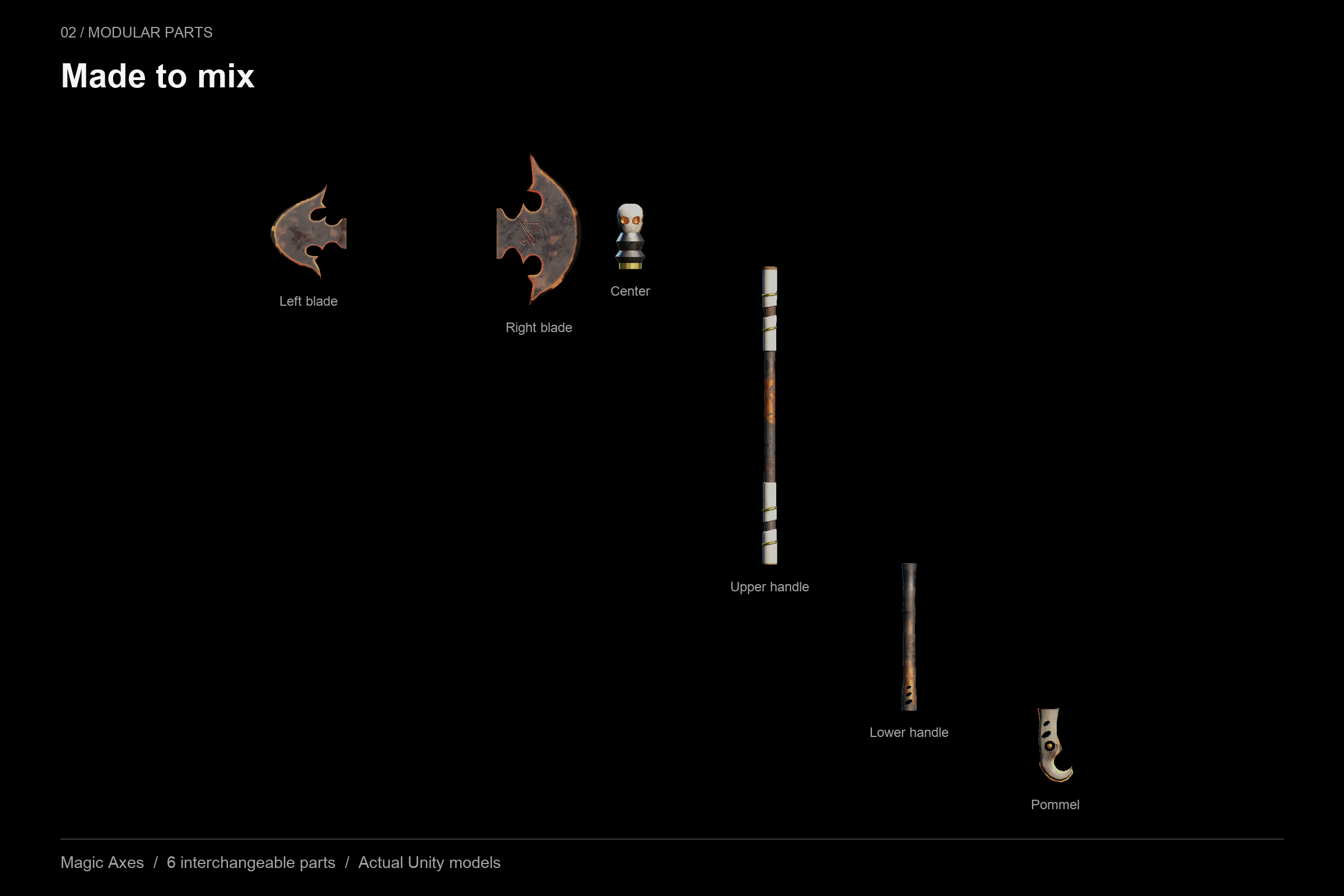
Interface buttons allow you to cycle through individual components using part arrows, test eight base design presets per weapon pack, generate a random mix, toggle light and particle effects, switch sizes, and trigger a swing preview animation.
Unity Asset Store:
- Magic Wand: https://assetstore.unity.com/packages/slug/220164
- Magic Swords: https://assetstore.unity.com/packages/slug/244549
- Magic Axes: https://assetstore.unity.com/packages/slug/251809
Leave a comment
Log in with itch.io to leave a comment.